Next day
Copies the start time, end time and enabled checkbox to the following day. The selection advances. Sunday wraps to Monday.
New features · Version 2.3.9
Example: sound a motion alarm during the day and record motion in the evening and at night. All images use example data, with no private cameras.
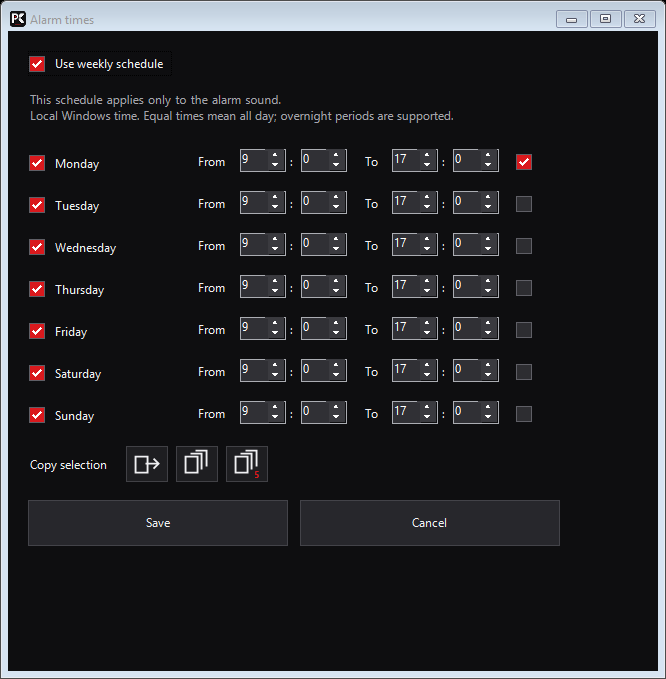
Right-click the camera → Motion detection → Alarm schedule. Enable the alarm sound. Enable the weekly schedule and set, for example, 09:00–17:00. This schedule controls only the sound.
In the same motion dialog, enable recording on motion and open the recording schedule. Enable its own weekly plan, for example 18:00–08:00. Only detected motion starts recording; this is not continuous overnight recording.
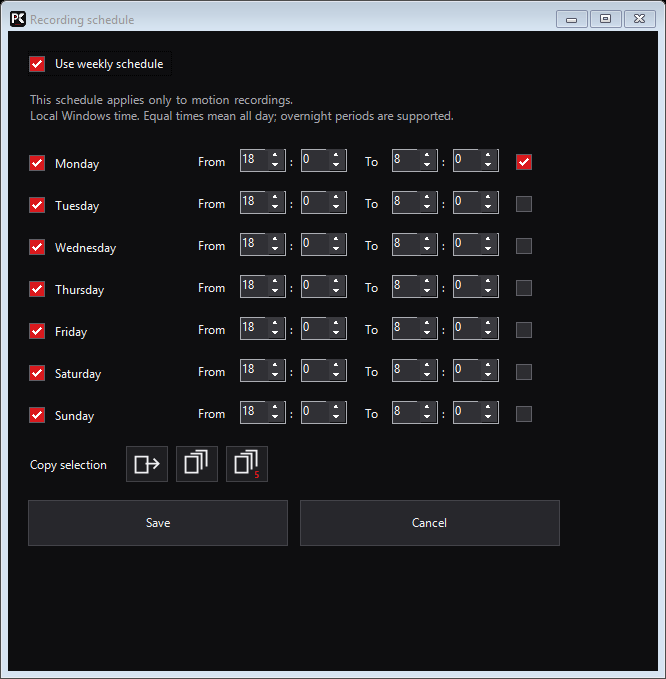
The checkbox beside the day name enables or disables that day. The checkbox to the right of the times selects one source day for copying. It does not enable the day.
Copies the start time, end time and enabled checkbox to the following day. The selection advances. Sunday wraps to Monday.
Copies the selected day to all seven days of the week.
The icon with the small 5 copies only to Monday through Friday. Saturday and Sunday stay unchanged.
Save the schedule, then save the motion dialog. Cancel discards changes in the respective dialog. Equal start and end times mean all day. 18:00–08:00 continues into the next morning; Sunday night continues into Monday. Local Windows time applies. Each day supports one time window. With the weekly plan off, the enabled function has no time restriction. Previous shared schedules are initially copied to both plans. Manual recordings remain independent.
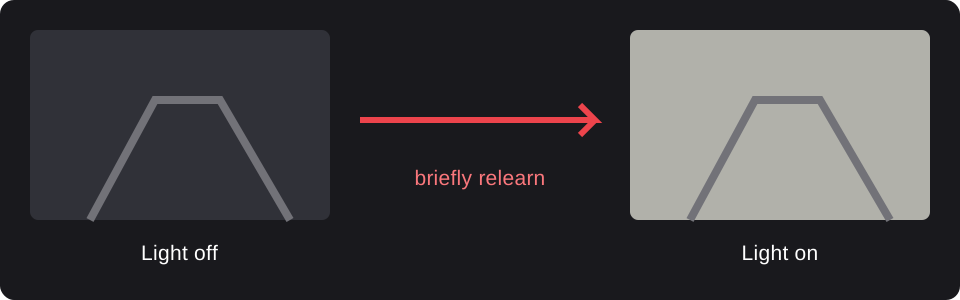
This option in the motion dialog is enabled by default. Large-area brightness jumps are briefly suppressed while the reference image is relearned. Motion afterwards can trigger again.